
Mojo features
One place for every booking and the work behind it.
Mojo connects the schedule, client bookings, class capacity, instructors, automated reminders, attendance, payments, and calendar handoffs without turning the studio day into a maze.
Free for 15 days with no credit card required, then €10/month.
One studio day
Explore the product
Start with the workflow you need to see.
Each page stays focused on one part of the studio day, with the product state and boundaries that matter there.
- 01 Online booking Follow a client from the shared mobile schedule to the booking status the owner sees. →
- 02 Booking link in bio Use the studio's public booking page as the mobile handoff from Instagram and other social profiles. →
- 03 Private sessions Publish available appointment times and keep the booked client and instructor on one record. →
- 04 Booking slots Open specific instructor availability for clients to claim as private sessions. →
- 05 Recurring class scheduling Create one weekly pattern, inspect generated classes, and control how later changes apply. →
- 06 Studio payments Compare external Payment Links with the supported connected Stripe checkout and purchase record. →
- 07 Client management Keep contact details, visit context, memberships, and the next booking on one studio record. →
- 08 Memberships and class packs Create eligible packs, offer them in the booking journey, and keep purchase and session usage together. →
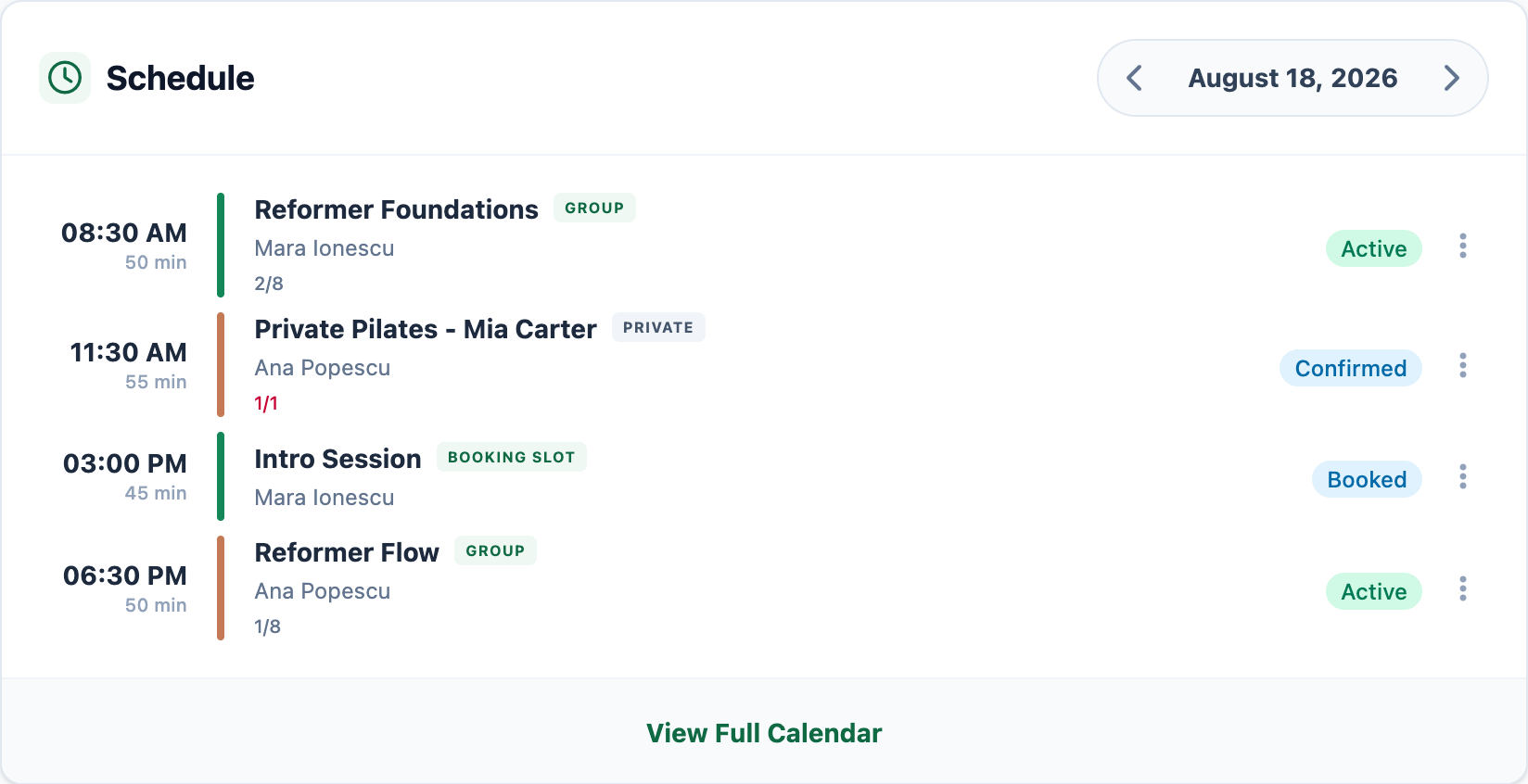
- 09 Bookings calendar See classes, private sessions, instructors, availability, and attendance context in one schedule. →
- 10 Attendance tracking Review the roster, record attendance or no-show status, and keep membership usage attached. →
- 11 Group sessions Follow a class from publishing through capacity, bookings, waitlists, and attendance. →
- 12 Staff management Add instructors, set supported access, and keep assigned work recognizable. →
- 13 Automated reminders Send clients the booking details they need before the session begins. →
- 14 Google Calendar integration Understand instructor sync and the separate add-to-calendar path for clients. →
One connected studio
The next decision keeps its context.
The features matter because the schedule, the client, and the instructor do not become separate admin projects.
-
01
Keep the schedule under control
Group classes, private sessions, open booking slots, instructors, and booking state stay visible together. Open the exact event when capacity or attendance needs your attention.
Explore the bookings calendar → -
02
Keep clients informed after booking
Automated reminders carry the confirmed date, time, and studio details so clients do not need another manual reply.
See automated reminders → -
03
Keep instructors aligned
Assigned work stays attached to the instructor and recognizable in the schedule, without maintaining a separate staff calendar.
See staff management →
From a studio founder
Mojo replaced the patchwork we had between DMs, spreadsheets, and separate booking tools. Everything now lives in one place, and our team saves hours every week.
- ✓ No app download for clients
- ✓ Unlimited instructors included
Try it with your schedule
See whether Mojo fits the way your studio already runs.
Add the classes, instructors, and booking details you work with today.
15 days free. No credit card required. €10/month after trial.
Too many bookings happening in DMs?
Share your business name and email and we'll send a few practical ways boutique studios move bookings out of messages and into one clean booking link.