
Memberships and class packs
Turn one class pack into access the booking flow can understand.
Set the sessions, price, validity, eligibility, and usage scope once, then let Mojo apply those rules when a client needs coverage.
Free for 15 days with no credit card required, then €10/month.
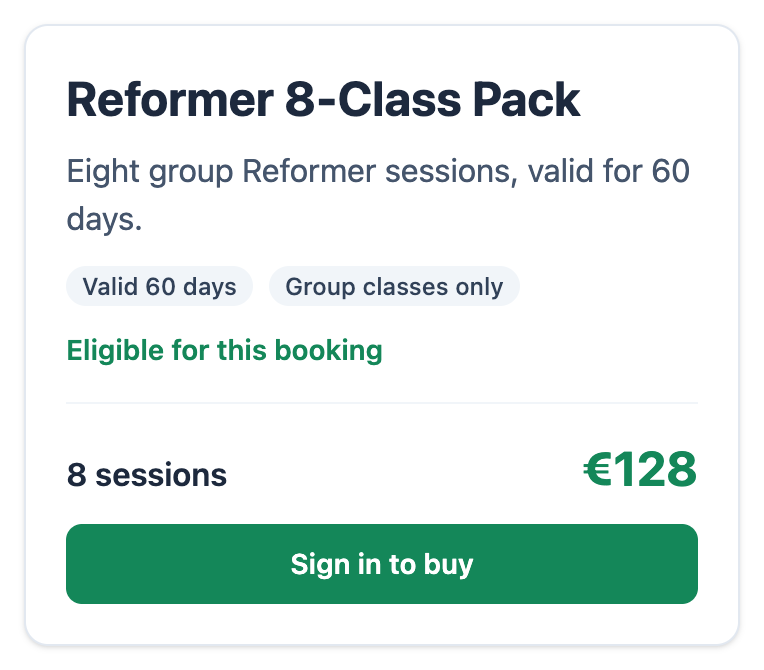
Eligible plan choice
One plan lifecycle
Define the offer, qualify the client, then keep usage attached.
The plan remains a studio rule, not a generic payment product.
-
1
The owner defines the pack
Set a name, price, number of sessions, optional validity window, session scope, client eligibility, one-per-client rule, and whether the plan appears publicly.
-
2
Mojo checks the booking
When membership coverage is required, Mojo checks the selected event, the client's eligibility, existing plans, validity, and available units.
-
3
The client uses the supported purchase path
A connected Stripe account can take a one-time public membership purchase. A studio using Payment Links can expose its configured external plan link instead.
-
4
The membership carries the balance
Confirmed and in-review bookings reserve units. Attended and no-show records consume them, while the owner sees available, reserved, and used counts.
Mojo does not currently sell recurring subscriptions, calculate tax, issue invoices through Stripe, or provide coupon, dispute, or payout management.
The owner record
See the active pack and its successful purchase in the same client context.
The client record keeps the plan, start date, status, unit balance, amount, payment state, and fulfillment result close enough to investigate a booking.
See how a pack is checked during online booking →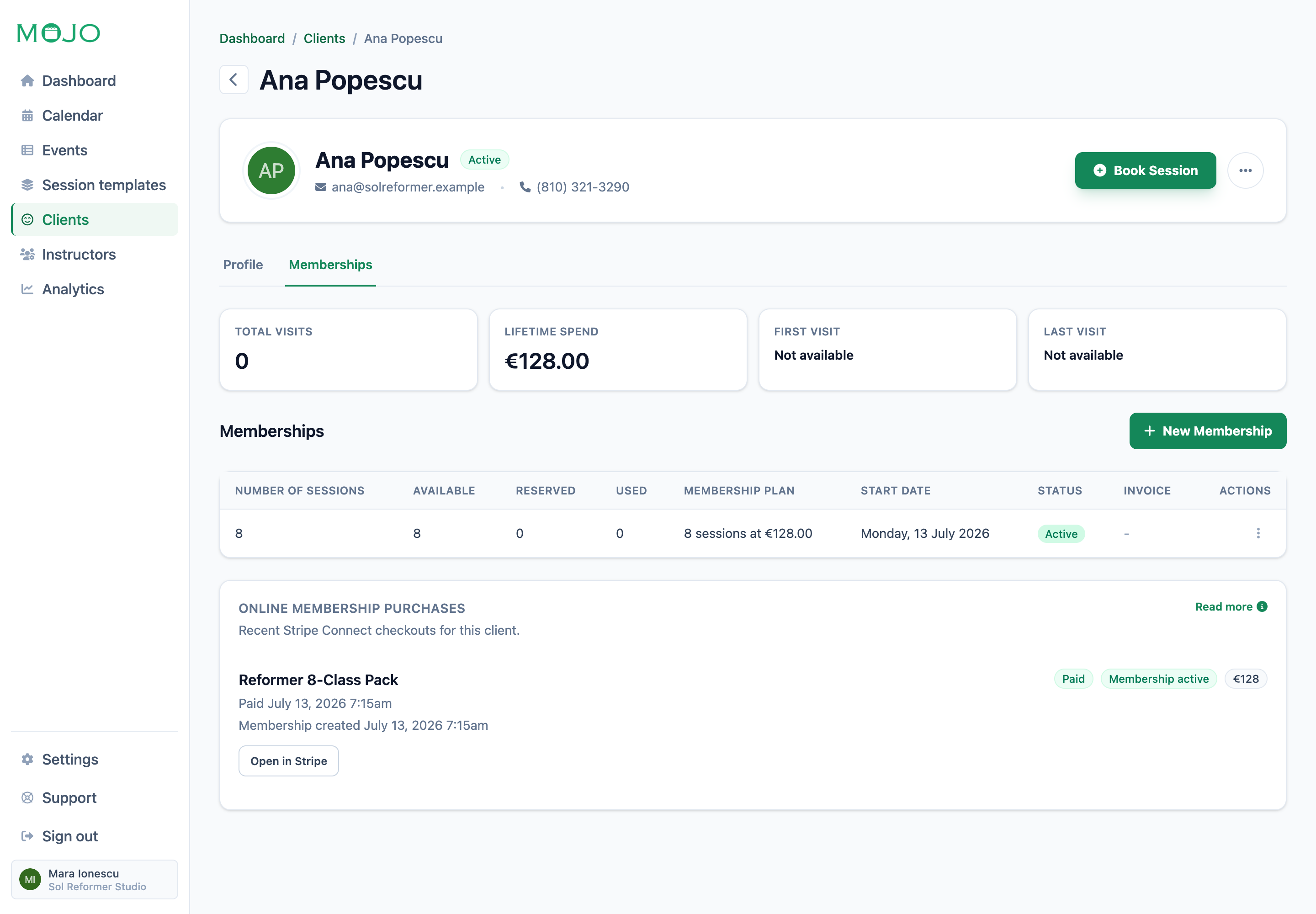
-
01
Separate available, reserved, and used
The balance distinguishes future confirmed or in-review bookings from attended and no-show sessions.
-
02
Preserve the plan rules
Price, session count, validity, scope, eligibility, and one-per-client rules lock after the plan has memberships.
-
03
Record payment and fulfillment
A connected checkout records whether payment succeeded and whether the active membership was created.
Plan rules at a glance
Decide who can buy it and where it can be used.
These controls shape eligibility and consumption; they are not subscription-billing settings.
| Decision |
Studio sets
|
Mojo applies
Current behavior
|
|---|---|---|
| Offer | ||
|
Sessions and price
The commercial shape of the pack.
|
Positive session count and price | Shows both on the public plan |
|
Validity
Optional calendar window from the membership start date.
|
No expiry or a number of days | Stops future use after the calculated end date |
| Eligibility | ||
|
Client eligibility
Who can receive the plan.
|
Anyone, first-time, or returning clients | Hides or blocks an ineligible choice |
|
Usage scope
Which appointments the units cover.
|
All sessions, group sessions, or private sessions | Checks the selected event type |
|
One per client
A bounded introductory-offer rule.
|
Optional | Blocks another membership from the same plan |
| Usage | ||
|
Unit state
What the owner can inspect after bookings begin.
|
Review the client record | Available, reserved, and used counts |
Once a plan has memberships, its commercial and eligibility rules are locked so existing client balances keep their original meaning.
Before you publish a pack
Membership and class pack questions
Can clients buy a class pack during booking? +
Does Stripe Connect create a recurring subscription? +
What is the difference between Payment Links and connected checkout? +
What do reserved and used sessions mean? +
Can the studio limit an offer to first-time clients? +
Can plan rules be changed after clients have memberships? +
Create the first pack
Give the next booking a clear coverage rule.
Define the sessions, eligibility, and validity the studio needs, then keep every reserved and used unit attached to the client.
15 days free. No credit card required. €10/month after trial.
Too many bookings happening in DMs?
Share your business name and email and we'll send a few practical ways boutique studios move bookings out of messages and into one clean booking link.