
Simple online Yoga booking app
One link from class choice to a confirmed place.
A simple online Yoga booking app should shorten the path, not separate it from the studio. Clients browse the sessions you publish and book in their browser; your team sees the result on the matching class list with its real status, capacity, and waitlist context.
Free for 15 days with no credit card required, then €10/month.
Class choice
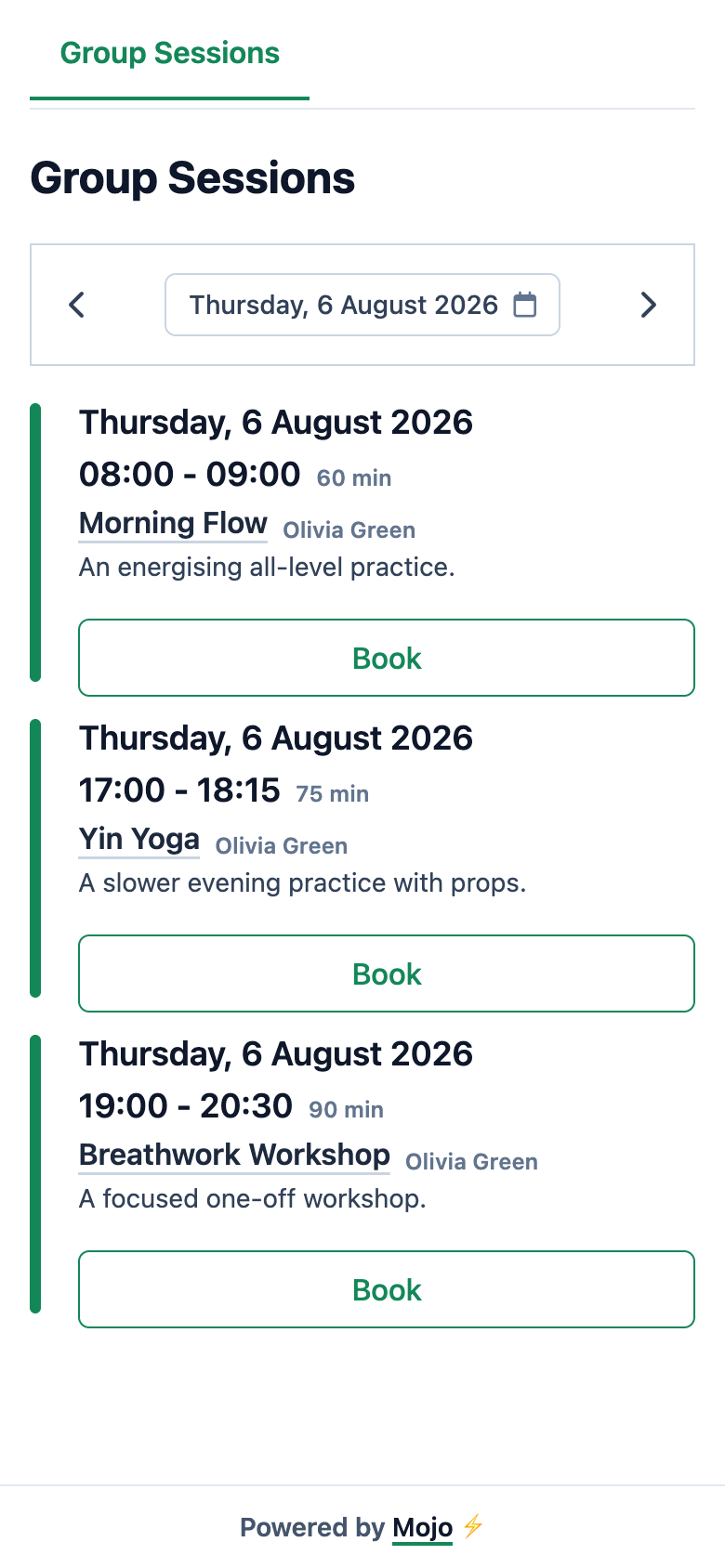
Client schedule
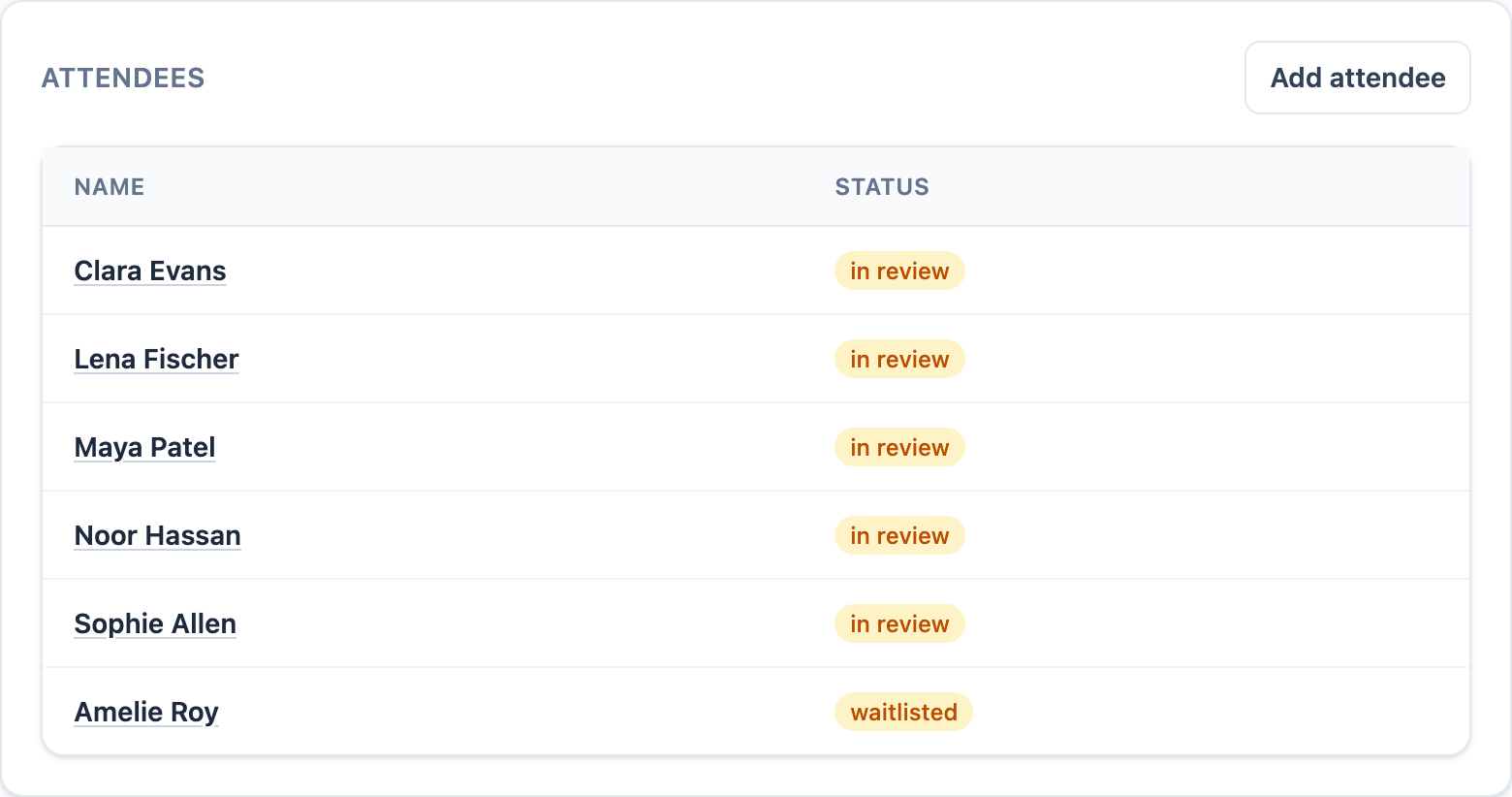
Studio class list
The client finish
Let the booking finish without another message.
The client sees the class they chose, the final booking state, and the details needed to arrive. The studio keeps working from the same session record.
See online booking in Mojo →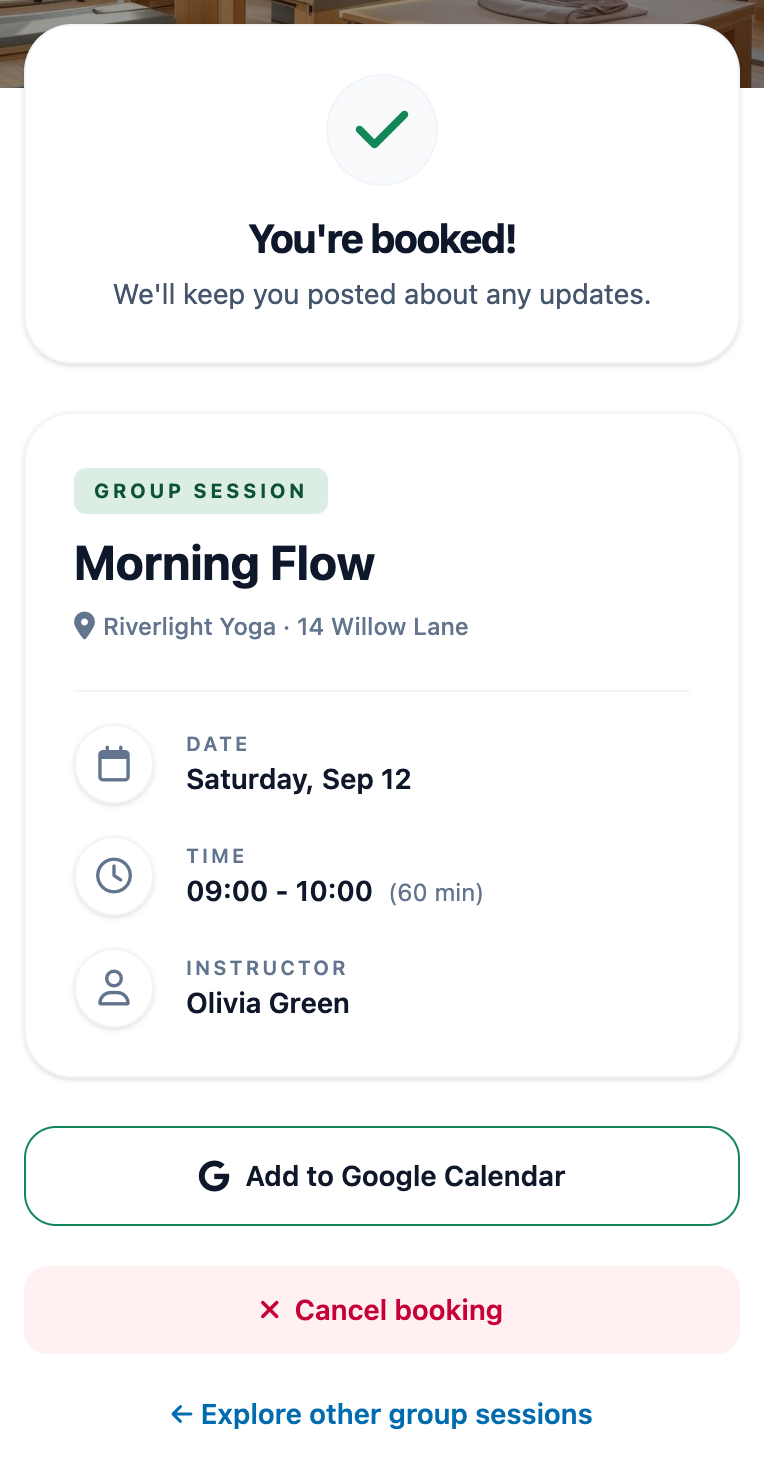
-
01
Browse before signing in
Clients can inspect the published timetable, instructor, duration, and availability before they commit to a class.
-
02
Complete the required steps
They verify their email, add the required profile details, and continue under the studio's capacity and membership rules.
-
03
Land on the right class list
The owner sees the same reservation as confirmed, in review, or waitlisted, ready for the next studio decision.
From a Yoga studio
A clear booking page gives the whole team one place to work from.
Anya's review is about Mojo's shared calendar and client experience, not a claim about every Yoga studio.
"Running a yoga studio means a lot of moving pieces with multiple teachers, daily classes, and unexpected changes. Mojo's calendar keeps it all in sync. It's simple, clear, and I trust it completely. Our whole team feels more connected."
Simple online Yoga booking app questions
What makes a Yoga booking app simple? +
Do clients need to install an app? +
Can I share the same Yoga booking link on Instagram and my website? +
What does the studio see after a client books? +
What happens when a Yoga class is full? +
When should a Yoga studio compare Mojo with Mindbody? +
Choose for the studio you run now
Simple does not mean separate from studio operations.
Keep the client path short while preserving the booking states and class controls your team needs after someone taps the link.
-
1
Start with one live timetable
Publish the classes and workshops clients can actually book instead of maintaining availability across several channels.
-
2
Keep every outcome visible
Confirmed, in-review, and waitlisted bookings stay on the session with the client, capacity, and attendance context.
-
3
Add only the depth you use
Memberships, class packs, reminders, payments, staff access, and reports stay close to the schedule without requiring a marketplace ecosystem.
Create the next real class, check the public page on your phone, and share the same link where clients already find the studio.
Start with the next class
Give clients one clear way to book it.
15 days free. No credit card required. €10/month after trial.
Too many bookings happening in DMs?
Share your business name and email and we'll send a few practical ways boutique studios move bookings out of messages and into one clean booking link.